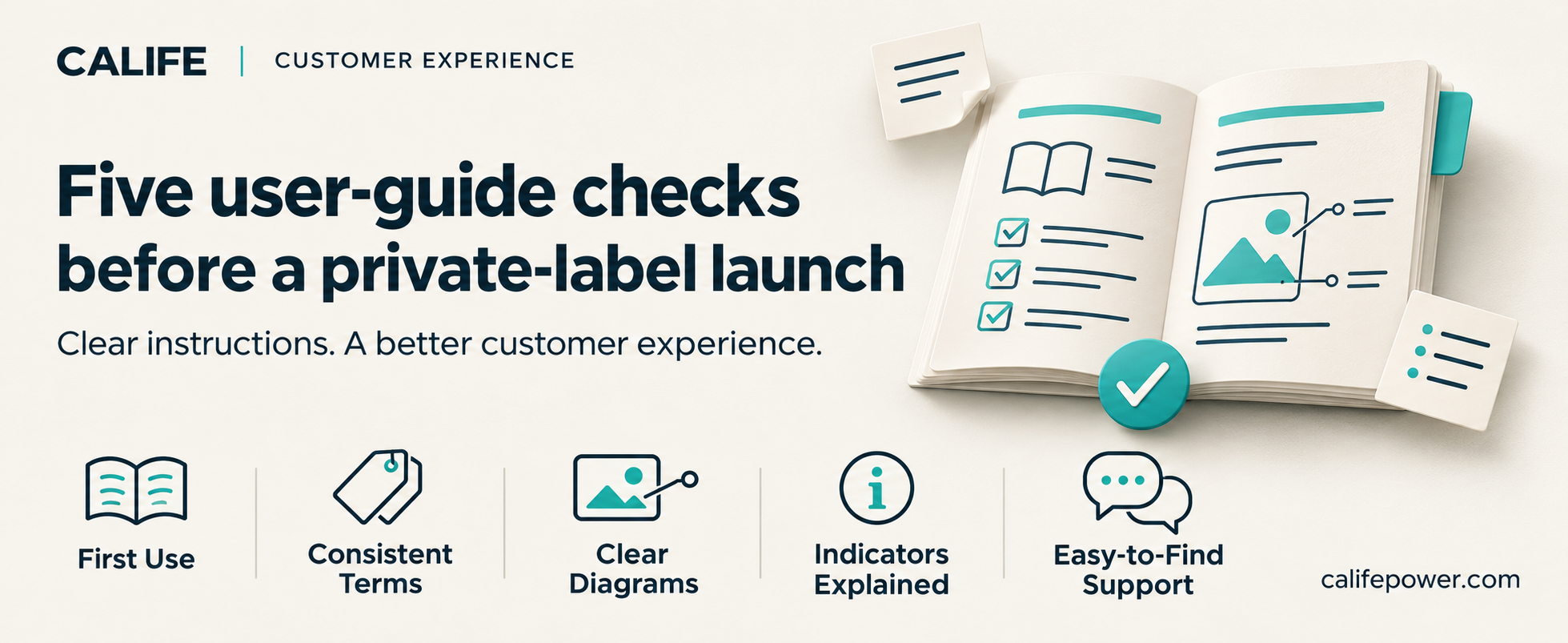
A user guide is part of the customer experience from the moment someone opens the box. For brands and distributors preparing a private-label launch, it deserves a careful review alongside packaging and sales materials.
Here are five practical checks to include:
- Make the starting point easy to find
Help first-time users locate the information they need before using the device, including relevant safety guidance, preparation and setup instructions. Use clear headings so readers can find the appropriate section quickly.
- Keep names consistent
Check that button names, port labels, accessory descriptions and screen messages match across the device, packaging and user guide.
If the same item appears in several places, use the same name throughout. Review each language version for consistency as well.
- Match illustrations to the actual items
Compare diagrams with the approved product version and included accessories. Check connector shapes, orientations, labels and reference numbers.
A useful illustration should help the reader identify the correct item and understand the accompanying text.
- Explain unfamiliar indicators
For each indicator or message described in the guide, explain what it means and where to find the appropriate next step.
Verify these explanations against the approved technical documentation, especially when a guide is updated for a different version.
- Make support easy to access
Confirm that support contacts, website links and QR codes work and lead to the correct information for the brand and market.
Give customers a clear way to identify their model when requesting help.
A practical final review
Ask someone outside the project team to read the draft. Have them locate the first-use instructions, match an accessory to its diagram and find the support information.
Record anything they find unclear, then review it with the responsible team before approving the final version.